Cloud Computing Explained for Complete Beginners: Everything You Need to Know in Plain English
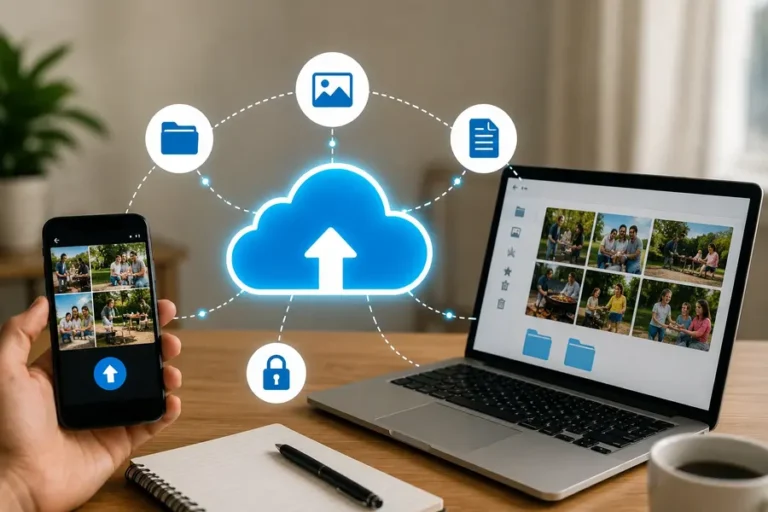
Cloud Computing Explained Assume you took a picture your cell phone morning. By lunchtime, you had same image displayed on your laptop, without plugging a cable or sending over email. So, the answer is cloud computing, if you just need a little mystery to get you excited, you should look no further place.
If you have no technical background, this article may help you understand what it is everyone’s talking about – cloud computing.
What Is Cloud Computing, Really?
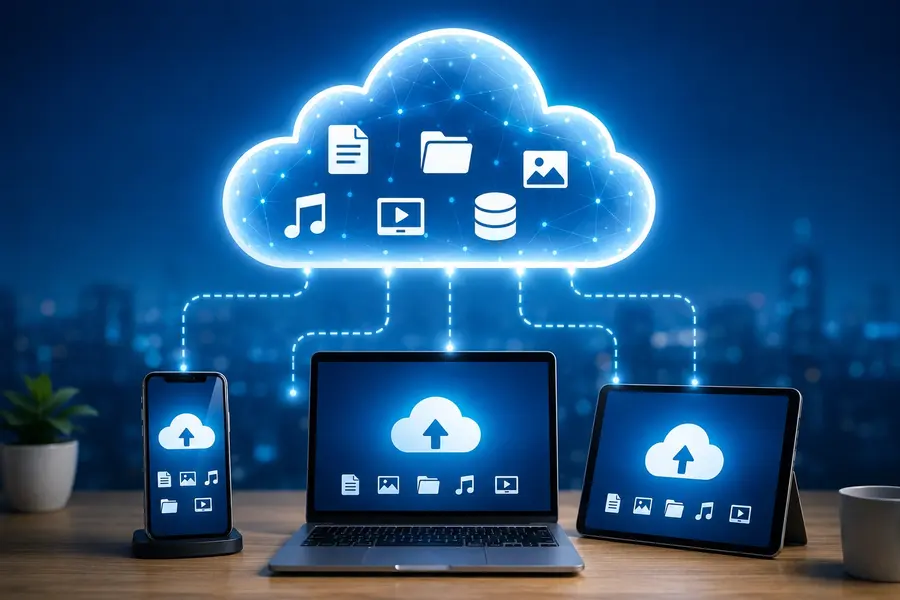
Simply put, cloud computing is the use of other people’s computers via the internet instead of just the one in front of you. Those “someone else’s computers” are huge facilities with a ton of servers, which are just really powerful hard drives and processors that companies such as Amazon, Google and Microsoft own.
How Cloud Computing Works in Plain English
Just like electricity. You do not power the back yard. When you switch on a light, you don’t have to wait for power to travel from a power plant to the lamp.When a light is on, you don’t have to wait for the power to come from a power plant to the lamp. How cloud computing works is similar. You click a button an app or a link on a web page, app works on a remote server streams results back to your screen in milliseconds.
A Real-Life Example You Already Use
Click your email now. You can use Gmail, Outlook or Yahoo and you don’t have to load your phone’s small memory chip with so many emails. These reside on the servers owned by these companies. Each time you open your email, your device will retrieve the emails from the cloud. You’ve been a cloud user for years and didn’t realize it.
Cloud Computing Explained for Complete Beginners: Types and Models
Clouds don’t come in the same shape. Now, let’s take a look at the principal varieties.
Public, Private, and Hybrid Clouds
A public cloud is similar to a bus in the city, shared by multiple people, with low costs. Public clouds are used for services such as Google Drive and Dropbox.
A private cloud is similar to your own car. One organization is in control of all the equipment, typically for more secure operations. It is the preferred option for large banks and hospitals.
A hybrid cloud is a combination of the two. A company could store patient data a private cloud host customer-facing website public cloud.
SaaS, PaaS, and IaaS — What Do They Mean?
These three acronyms represent amount of cloud you control:
- SaaS (Software as a Service): You use software without any installation. Netflix, Spotify online email examples of SaaS.
- PaaS (Platform as a Service): Cloud developers build apps using cloud tools, underlying servers unconcerned.
- IaaS (Infrastructure as a Service): Companies leasing raw computing resources, such as networking, servers and storage, and setting them up themselves.
If you use the service for your normal business activities, then you will only directly experience SaaS.
Benefits of Cloud Computing (and a Few Honest Drawbacks)
It’s easy to see the advantages of cloud computing:
- Access your files from anywhere, anytime, on any device.
- No need to buy expensive hardware!
- Automatic backups and software updates are also provided.
It is user-friendly to collaborate together, multiple people are able to edit the same document at the same time.
Cloud Storage vs. Saving Files on Your Computer
Cloud storage refers to storage of files on servers cloud. Storing files locally means stored on your laptop’s hard drive. The big difference? When you have a laptop failure, you can lose local files forever.
Cloud-stored files endure because they aren’t attached to your gadget. Internet data storage solutions, such as iCloud, OneDrive and Google Photos, are the typical online data storage solutions that help shield your memories automatically.
Is Cloud Computing Safe? A Quick Look at Cloud Security
It’s a logical query from the beginning and the most frequent. Cloud-based services that are reputable spend billions on security of their cloud: encryption, firewalls, multi-factor authentication, and constant monitoring. Your data is likely to be better protected in the cloud than on your own laptop, which may not be equipped with anti-virus software.
That being said, there aren’t any systems that can’t be hacked. Always use strong passwords, and make use of two factor authentication if possible, and always be careful with what you post.
How to Start Using Cloud Services Today
- Create a free cloud storage account (Google Drive has 15 GB available).
- Allow automatic uploading of pictures to cell phone.
- Use online tools such as Google docs, rather than software.
- If you haven’t already done so, try some streaming services.
| Cloud Computing Concept | Simple Explanation | Everyday Example |
| Cloud Storage | Saves files on remote servers you access online | Google Photos backing up your pictures |
| SaaS | Software you use through a browser, no install needed | Gmail or Netflix |
| Public Cloud | Shared infrastructure open to many users | Dropbox |
| Private Cloud | Dedicated setup for a single organization | A hospital’s internal patient system |
| Hybrid Cloud | Mix of public and private environments | A bank’s public website plus private databases |
Wrapping It Up
By end of article, you’ll know more about cloud than most people use on a daily basis. In summary, this is the cloud computing explained for complete newbies guide it’s merely a network of distant servers that store your information, operate your uses, and provide you with content using the internet. It can save you money, ensure that your files are accessible and collaboration is easy.