How to Improve Digital Skills Using Free Online Tools
Strong digital skills open doors, from better job prospects to simply feeling more confident using everyday technology. Learning how to improve digital skills using free online tools doesn’t require an expensive course or formal training program, just a bit of consistency and the right resources.
Whether you’re building basic computer literacy or sharpening more specific skills like spreadsheets or online safety, free tools now cover nearly every starting point.
Table of Contents
- Starting With Core Computer Skills
- Free Platforms Worth Exploring
- Building Practical, Job-Relevant Skills
- Staying Consistent With Self-Directed Learning
Starting With Core Computer Skills
Before jumping into specific software or platforms, it helps to build comfort with the basics that everything else relies on.
Core skills worth prioritizing first:
- File management, including creating folders, saving documents, and finding files later without frustration.
- Basic internet navigation, like using a search engine effectively and recognizing a secure, legitimate website.
- Email fundamentals, from composing a professional message to managing an inbox without it becoming overwhelming.
- Basic troubleshooting, like restarting a frozen application or understanding common error messages.
These fundamentals might seem simple, but they form the foundation that more advanced digital skills, like spreadsheets or design tools, build on top of.
Free Platforms Worth Exploring
A number of established, free platforms specifically focus on building digital skills for beginners, often created by nonprofits or educational organizations rather than commercial companies trying to upsell a paid product.
GCFGlobal.org, run by the Goodwill Community Foundation, offers a large library of free, self-paced tutorials covering everything from basic computer use to specific software like spreadsheets and email, without requiring any account or payment to access most content.
A few other categories worth exploring:
- Free video tutorial platforms, which walk through specific software step by step.
- Interactive practice sites, which let you try tasks in a safe, guided environment before applying them in real situations.
- Public library digital resources, many of which offer free access to structured courses with a library card.
Building Practical, Job-Relevant Digital Skills
Beyond the basics, many free tools help build more specific, job-relevant digital skills that employers increasingly expect.
Consider focusing on:
- Spreadsheet basics, since foundational spreadsheet skills apply across nearly every industry and role.
- Video conferencing tools, which have become standard for remote and hybrid work environments.
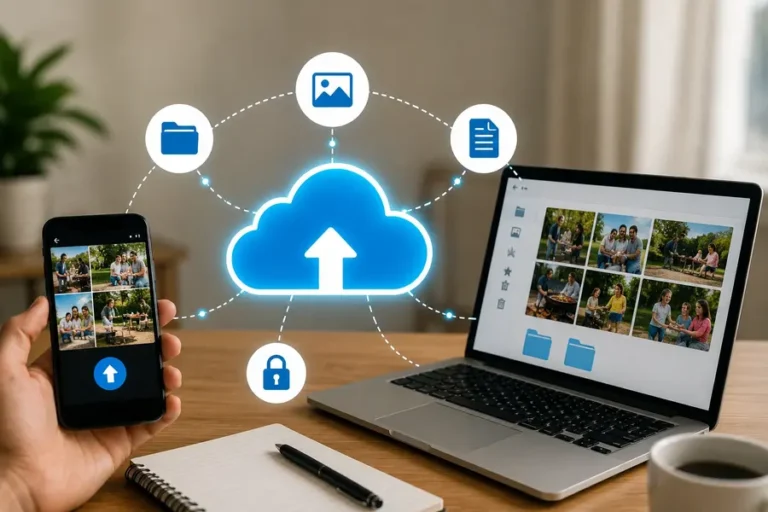
- Cloud storage and file sharing, understanding how to save, organize, and share files through cloud-based platforms.
- Basic online safety practices, including recognizing phishing attempts and creating strong passwords.
For a deeper look at productivity-focused tools specifically, our guide on best free AI tools for productivity covers additional free resources that pair well with core digital skills.
Staying Consistent With Self-Directed Learning
Free tools only help if you actually use them consistently. A few habits make self-directed digital skills learning far more effective.
- Set a specific, small goal, like completing one short tutorial per week, rather than an open-ended plan to “get better at computers.”
- Practice on real tasks, applying what you learn to actual files, emails, or projects rather than only working through isolated exercises.
- Track your progress, even informally, which helps you notice how much you’ve actually improved over time.
- Ask for help when stuck. Community forums, library staff, or even a knowledgeable friend can help you get past a specific roadblock faster than searching alone.
For a broader look at other free tools worth having in your toolkit, our guide on best free software tools for everyday computer tasks covers additional practical software recommendations.
Frequently Asked Questions
Do I need to pay for anything to improve my digital skills?
No. Established nonprofit platforms like GCFGlobal offer extensive free tutorials covering computer basics, software skills, and online safety without requiring payment.
How long does it take to build solid digital skills from scratch?
This varies significantly based on your starting point and time invested, but consistent short practice sessions, even 20 to 30 minutes a few times a week, build noticeable improvement within a few months.
What’s the best starting point for someone with very limited computer experience?
Focus on core skills first, like file management, basic internet navigation, and email, before moving on to more specific software or advanced tools.
Are free digital skills resources as good as paid courses?
Many free resources, particularly those from established nonprofits and educational organizations, offer thorough, well-structured content that’s genuinely comparable to paid alternatives for foundational skills.
Can I improve my digital skills without a library card or account?
Yes. Many free platforms, including GCFGlobal, offer full access to tutorials without requiring an account, though creating one sometimes unlocks progress tracking and certificates.
Conclusion
Learning how to improve digital skills using free online tools comes down to starting with the fundamentals, using established, reputable free platforms, and staying consistent with regular practice. There’s no need to invest in expensive courses to build genuinely useful, job-relevant digital skills. Start with one small goal this week, and build from there as your confidence grows.